
Using the Login Screen
To access the Eleveo WFM application, click Enter on the landing page:
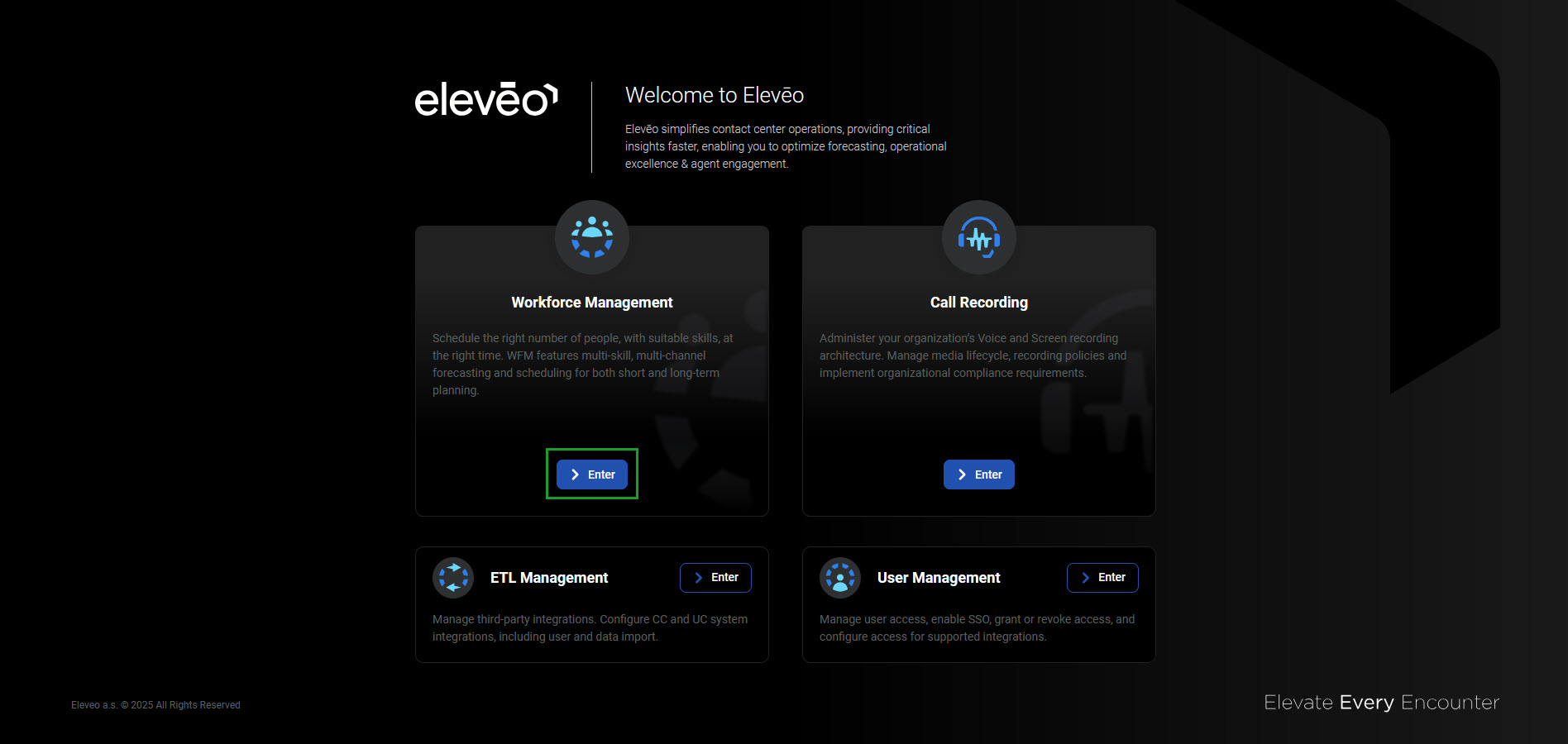
Alternatively, use the URL: https://<FQDN>/wfm. The login screen will display.
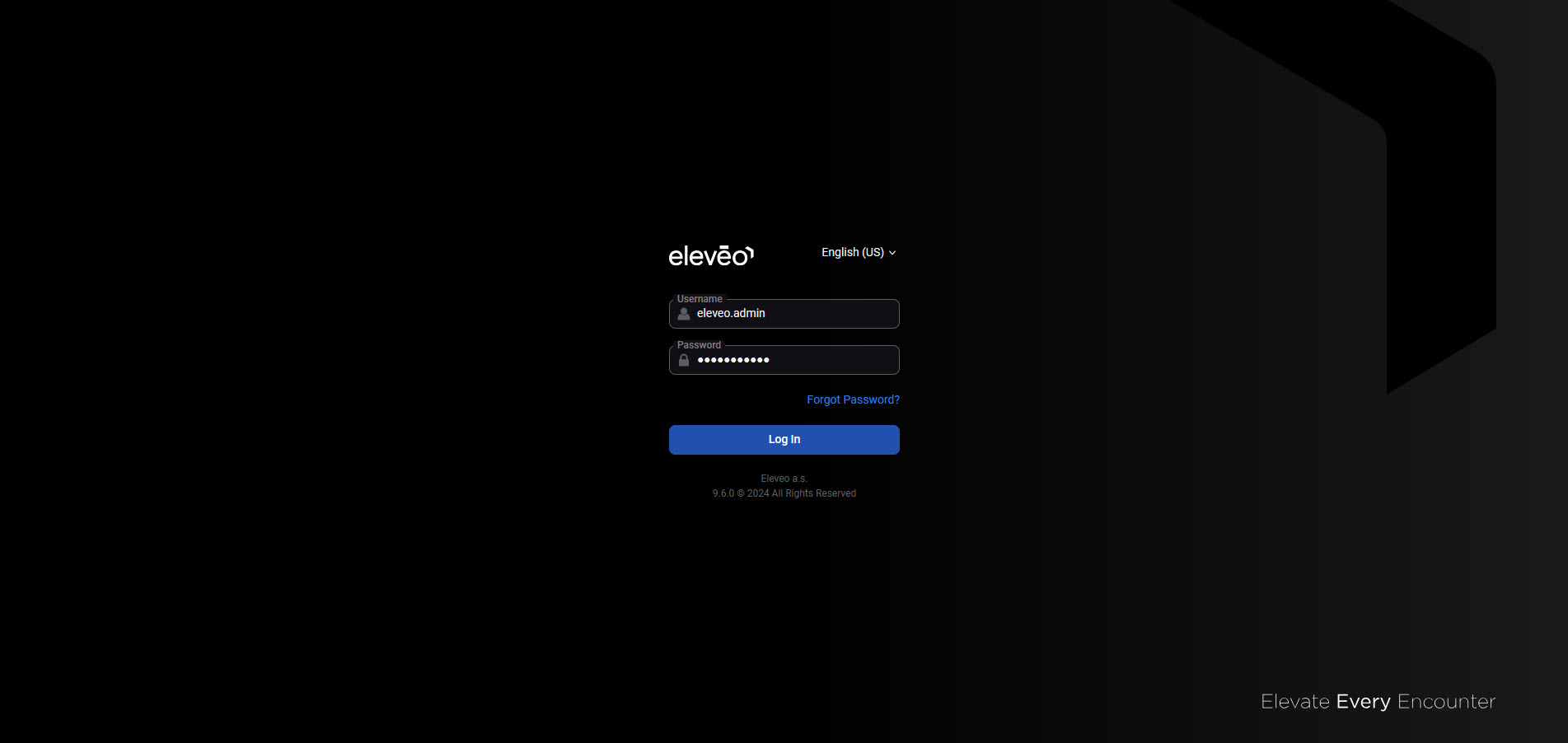
Follow the steps:
-
(optional) Change the application language. More details about the language selection can be found on the Switching the Language page.
-
Enter the username and password.
-
Click Log in to access the application.
Logging Out
To exit the Eleveo WFM application, click on the User Profile button or a username in the bottom left corner of the screen, then click Sign out.
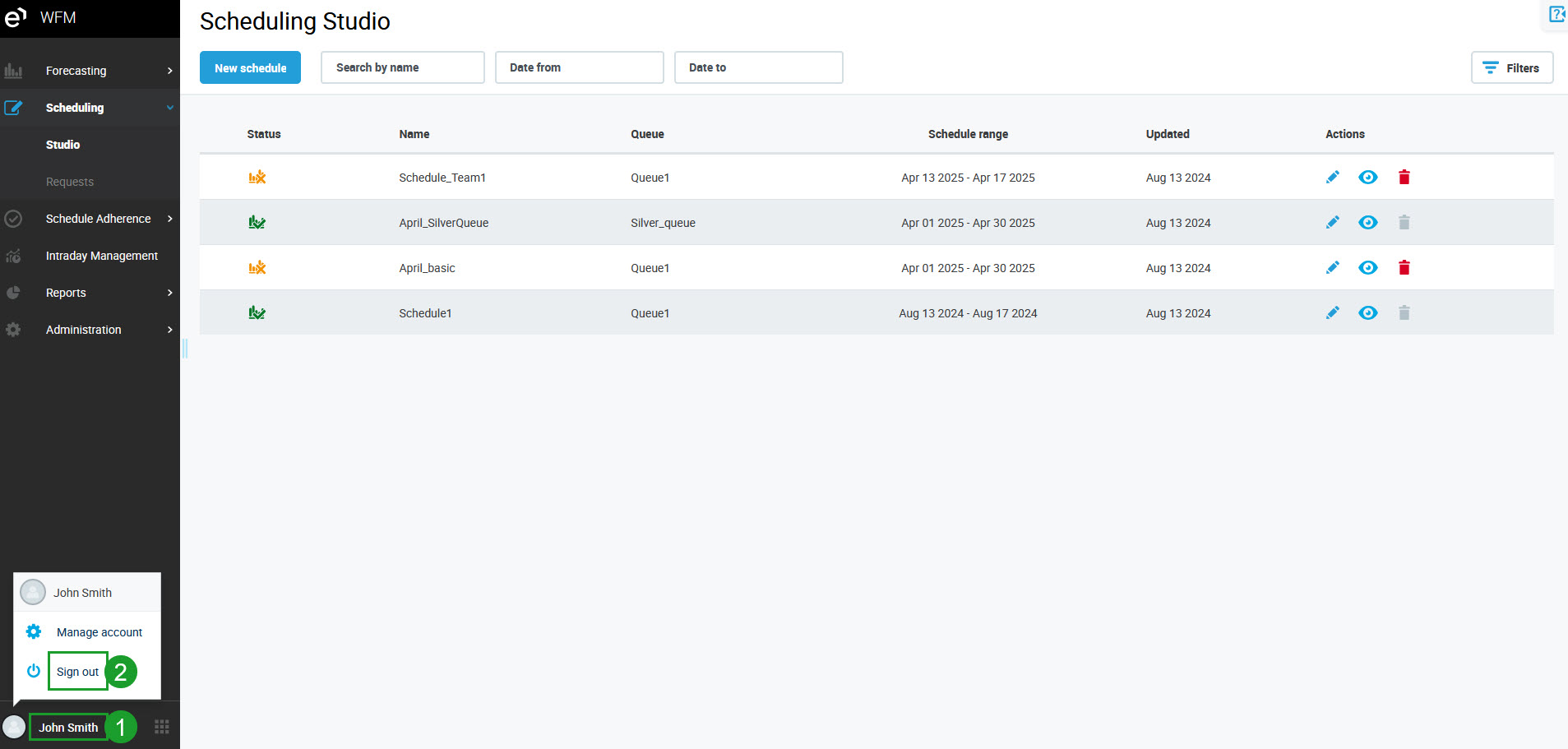
The application will close and the login screen will display again.