
New teams are visible in other Eleveo applications within 10 minutes.
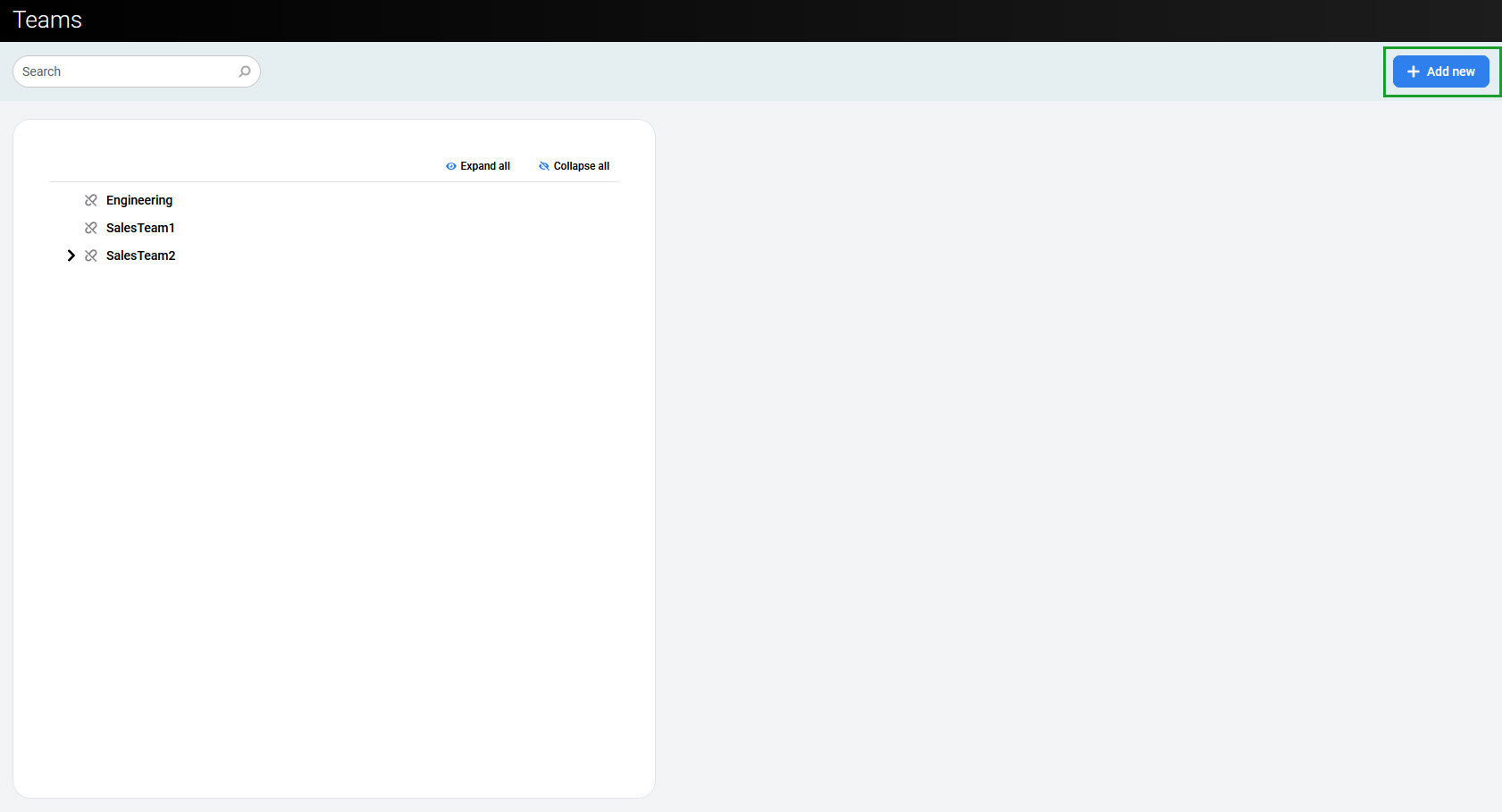
To add a new top-level team, click Add New in the top right corner of the screen.
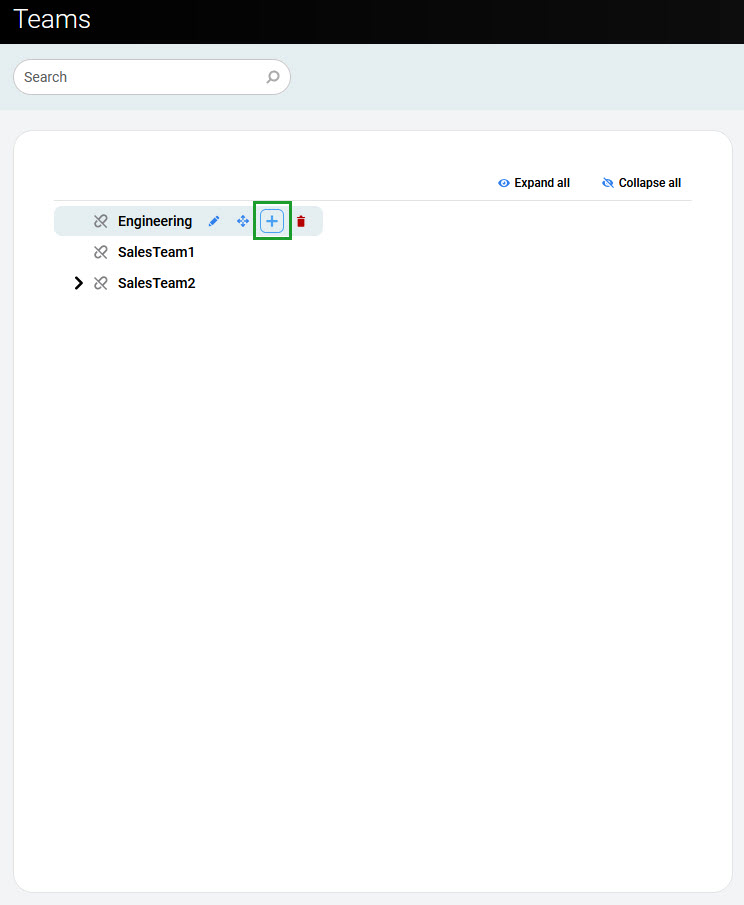
To create a new child team, select the parent team in the hierarchical tree and click the Add icon (a plus sign).
The Add Team pane opens. Enter a team name and click Save.
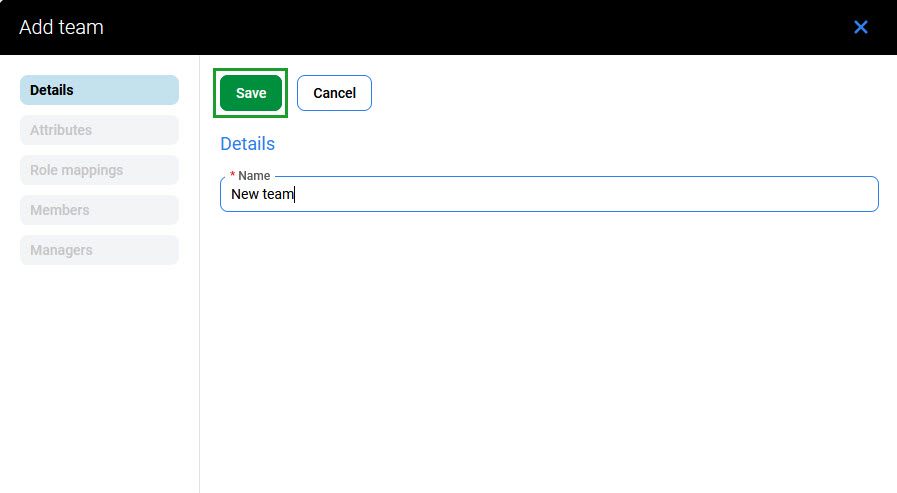
Ensure that team names are unique.
Once saved, additional configuration options become available. See theEditing Teamspage to configure team settings and assign members.
The Attributes and Role Mappings tabs work the same as in user configuration (compare with Editing Users). Any attributes and role mappings defined are inherited by the teams and users that are members of this team.