
This page displays the SMTP configuration used by User Management to send notifications. User Management uses general SMTP settings configured during server installation. To change them, contact Eleveo Support.
Click User management > Email in the navigation tree on the left. The Email Settings screen opens.
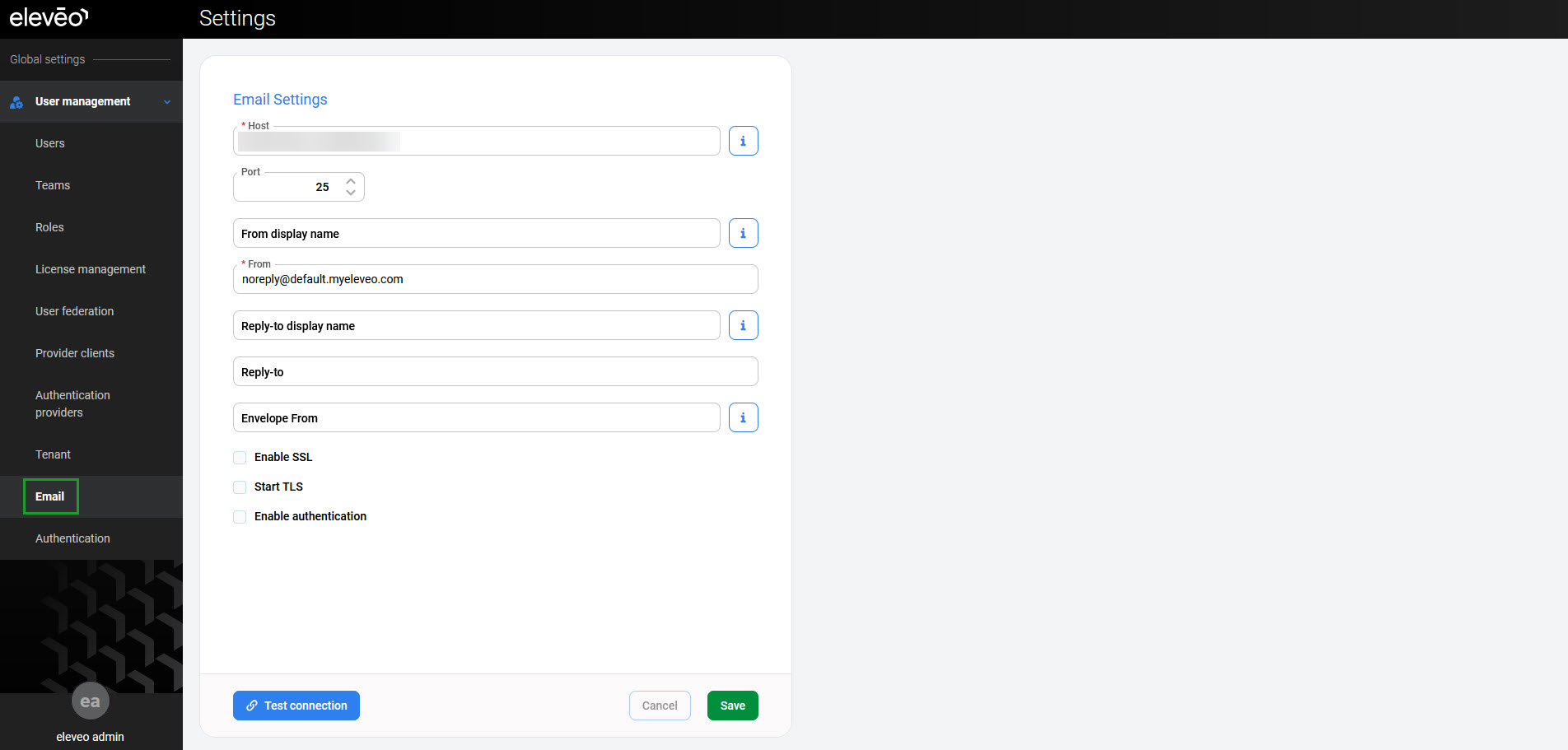
The following fields are available:
-
Host – hostname of the email server
-
Port – port on which the email server is listening
-
From display name (optional) – user-friendly name for the From address
-
From – sender's email address
-
Reply-to display name (optional) – user-friendly name for the Reply-to address
-
Reply-to (optional) – address used for replies
-
Envelope From (optional) – email address used for bounces
-
Enable SSL – enables SSL encryption
-
Start TLS – enables TLS encryption
-
Enable authentication – enables authentication
-
Username – name of a user with rights to send emails
-
Password – password for the username above
-