
Quality Management Categories are used for classifying agent calls during a review. For instance, identify individual campaigns, search for particular groups such as new starters that need greater supervision.
This is only available when the user has the EDIT_SETTINGS role. Which is assigned to the DEFAULT_IT_ADMIN by default.
-
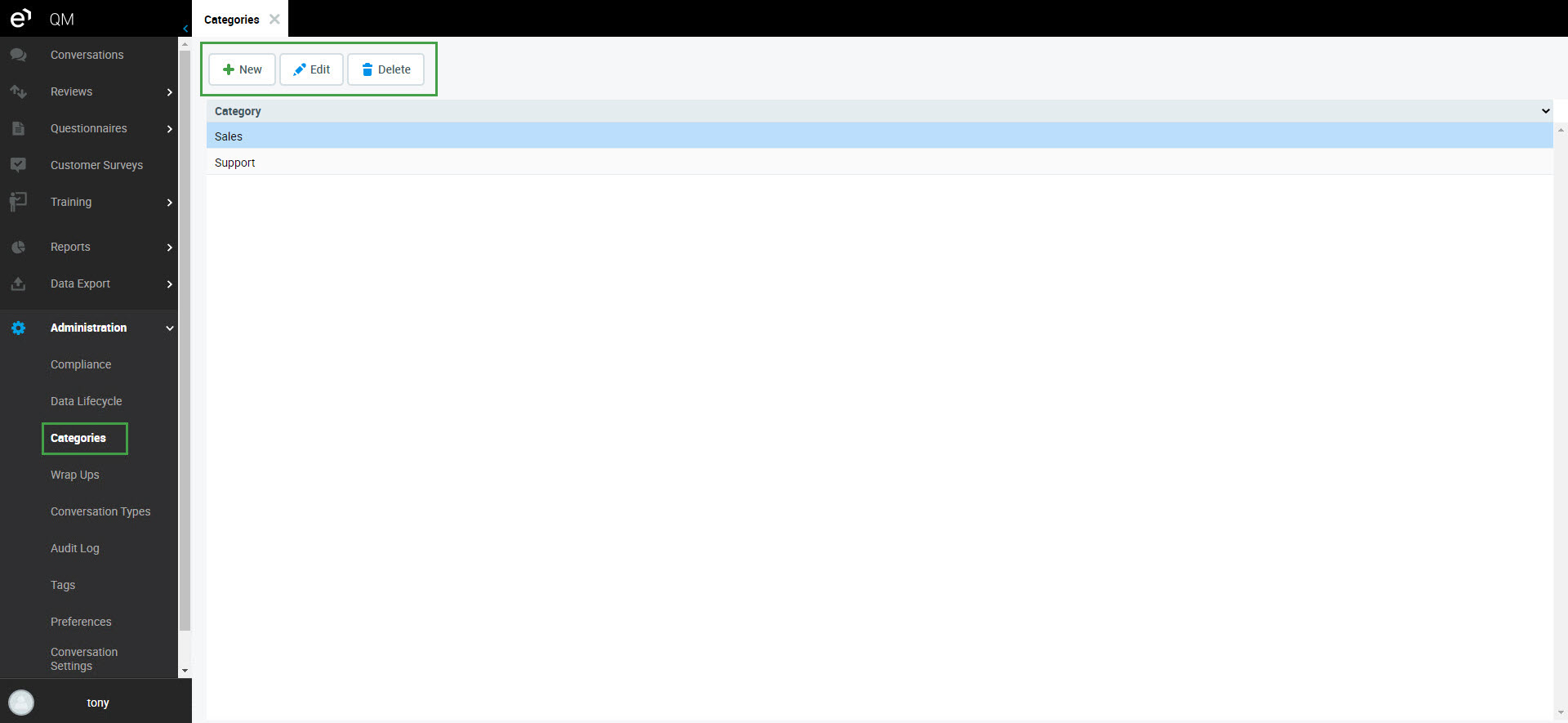
Click Categories to view, add and remove category records.
-
Use the New, Edit and Delete buttons (if available, or double-clicking on an existing category to edit it).
-
Click Save to save the new category.
Category names must be unique within the application.