
To delete a forecast, expand the menu on the right and click the Delete button.
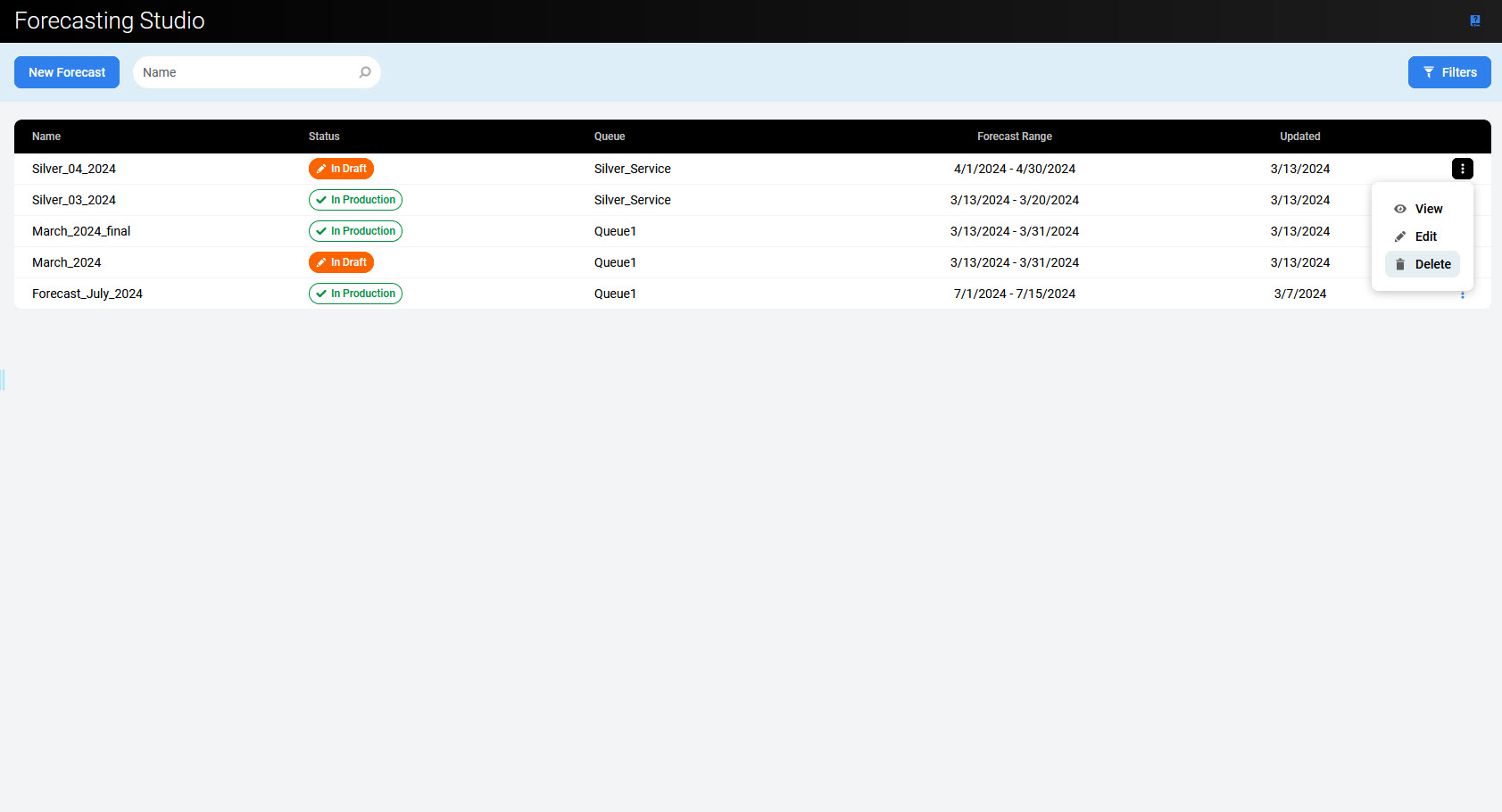
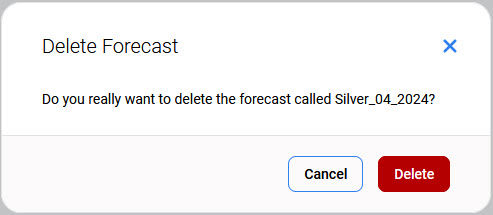
A confirmation dialogue will appear, requesting that you confirm Do you really want to delete the forecast called <forecast's name>?
Click Delete to confirm the removal of the forecast.
Note that the forecasts which are already used in the production cannot be deleted! The Delete button is not active.