
Replacement Reasons are labels used to explain why a conversation was replaced during a review. They appear in the Replace Conversation dialog in the Review Form.
Adding a Replacement Reason
To manage replacement reasons, go to Reviews > Replacement Reasons.
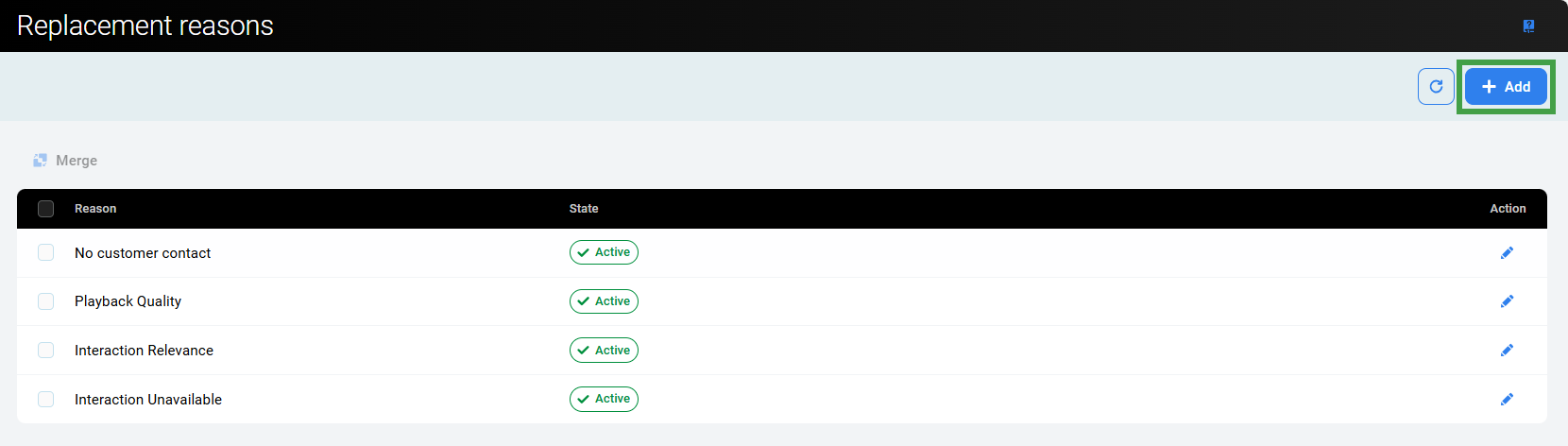
To add a replacement reason:
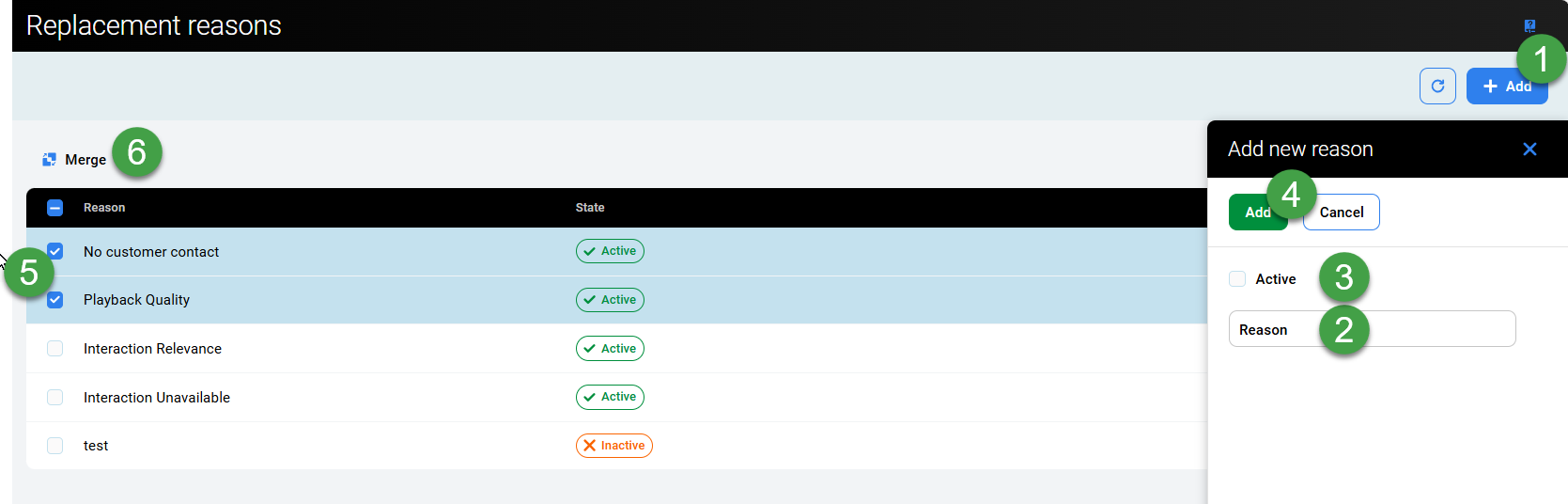
-
Click Add to create a new replacement reason.
-
Enter a name in the Reason Text field when prompted. Each reason must have a unique name.
-
Select the Active checkbox. Only active replacement reasons appear in the Replace Conversation dialog.
-
Click Add to create the new item.
Merging Replacement Reasons
-
Select two or more replacement reasons to merge them.
-
Click the Merge icon to merge two or more reasons:
-
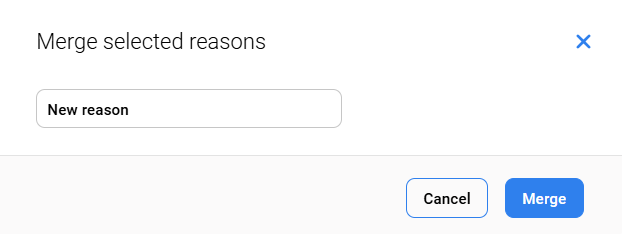
Enter a new name for the merged items when prompted.
-
Click Merge to complete this step.
-
To add or edit the reasons, users must have REPLACEMENT_REASONS_MANAGE permissions assigned. For more information see the Roles and Permissions page.
If a reason cannot be added due to a naming conflict, a warning indicates that a reason with the same name already exists.
All actions regarding the replacement and deletion of conversations are logged together with the reason in the Audit Log of Quality Management.
Deleting Replacement Reasons
Deletion is not supported at this time. Replacement reasons can be marked as inactive, preventing them from being displayed in the drop-down menu in the Replace Conversation dialog window.