
If there are several surveys in the list of surveys the search functionality can be used to find surveys that meet specific criteria. For example, all surveys initiated by a particular agent can be found and used for review of that agent.
To search for a survey go to the Customer Survey tab and use the Search pane located at the top left corner of the window.
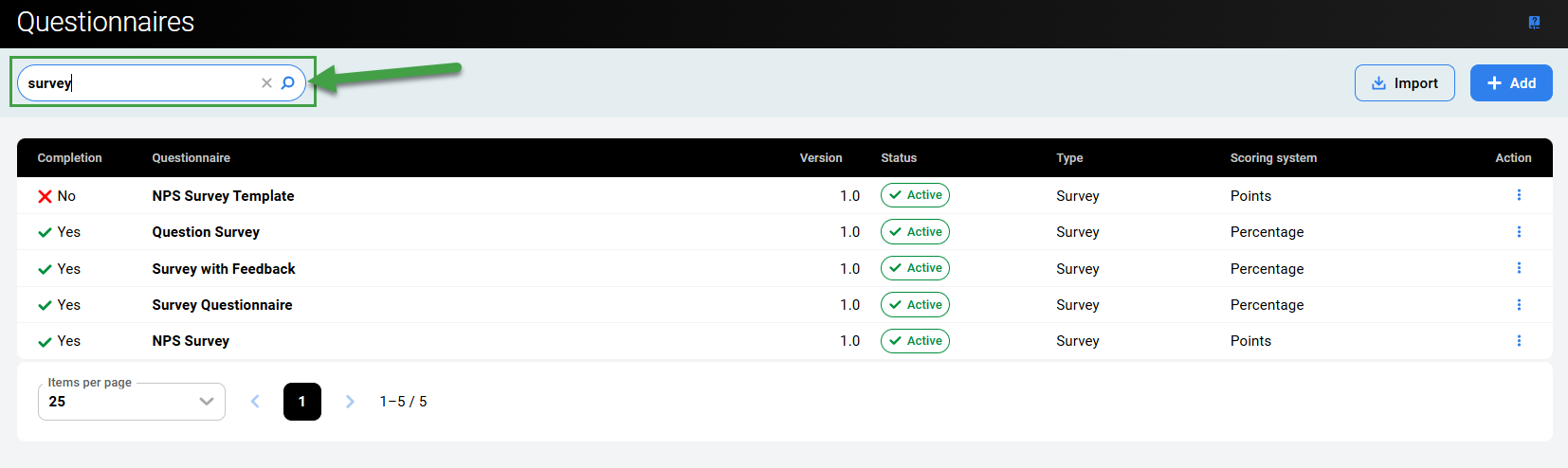
Enter text to search. Clear the field or click the x icon to reset the search fields.
The search function only searches within the name field. It is not possible to search or filter by status or scoring system (for example).