
The WFM_DELETE_FORECAST role is required to create new forecasts. This role is included by default in the WFM_SCHEDULER composite role. Read more about Workforce Management Roles.
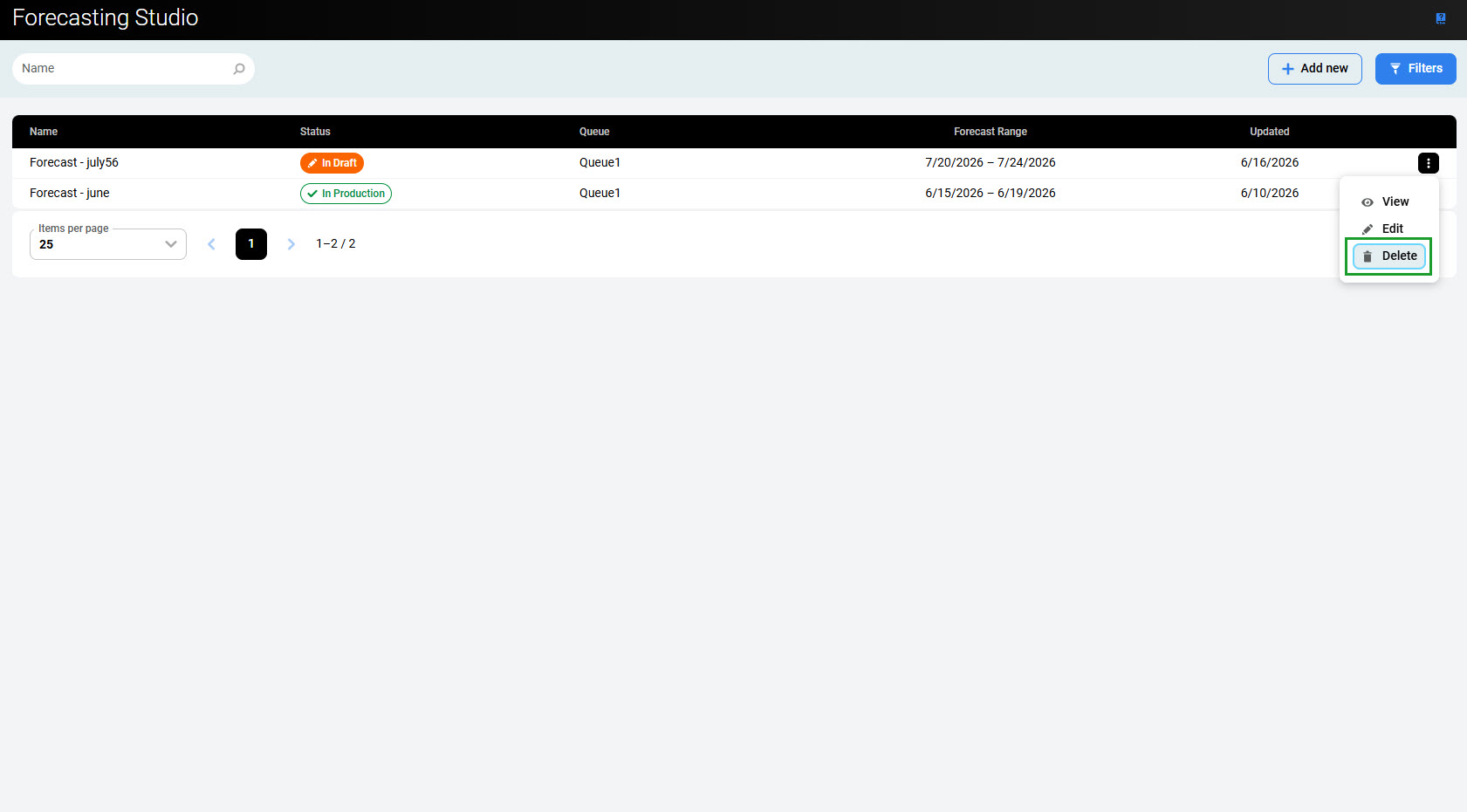
To delete a forecast, expand the menu on the right and click the Delete button.
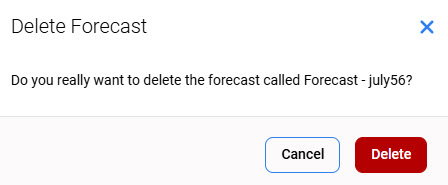
A confirmation dialog appears, asking whether to delete the forecast.
Click Delete to confirm the removal of the forecast.
Note that the forecasts that are already used in production cannot be deleted. The Delete button is not active.