After successful login, the User Management administration console will display for users with the required permissions.
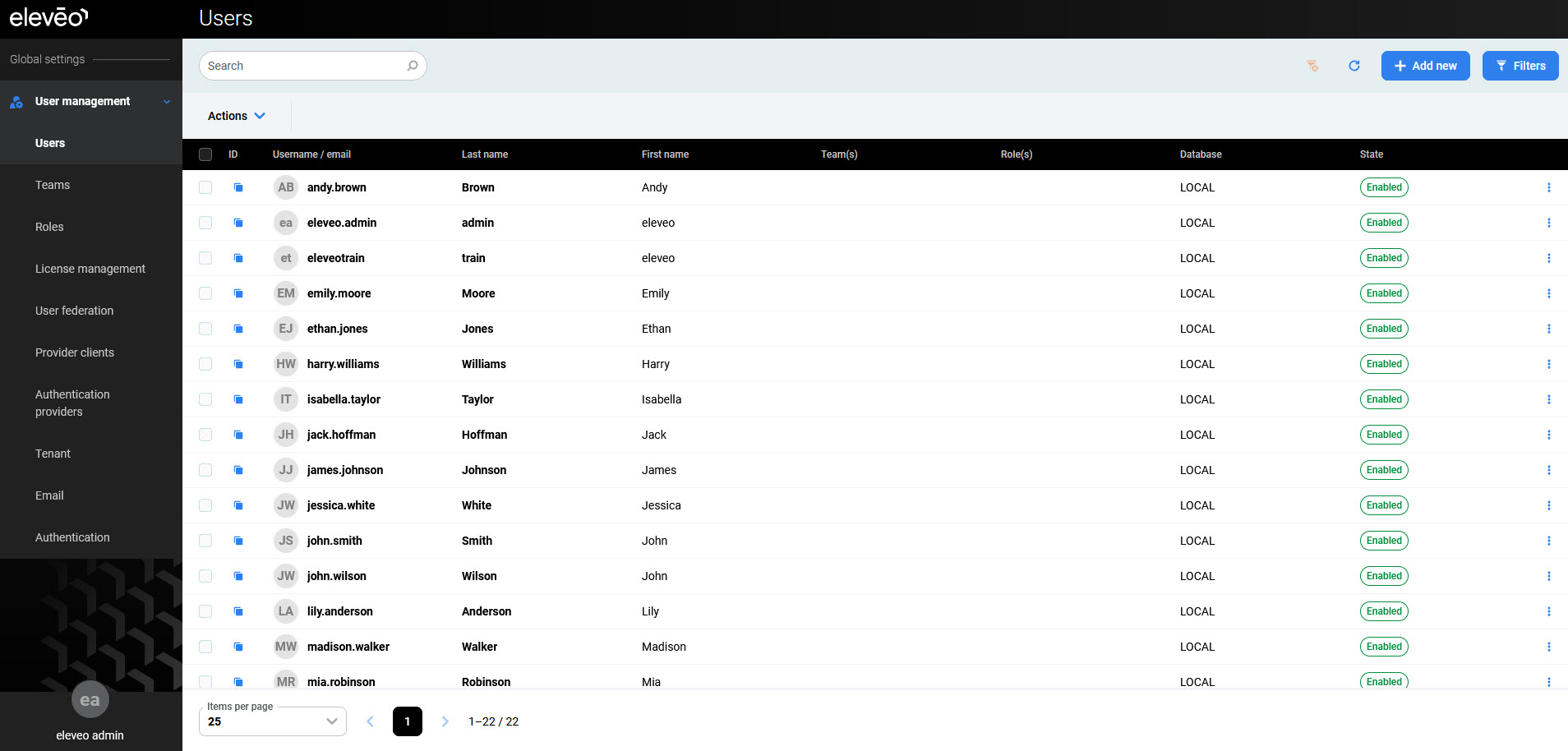
The following configuration sections are available in the navigation tree:
-
User profile – modify users' details, password and authentication options (read more: Configuring User Profile and Password)
-
User management:
-
Users – add, modify, or remove user accounts (read more: Managing Users)
-
Teams – add, modify, or remove user teams (read more: Managing Teams)
-
Roles – add, modify, or remove custom roles (read more: Managing Custom Roles)
-
License management – upload licenses for other Eleveo applications (read more: Managing Licenses)
-
User federation – add, modify, or remove a User Federation; this is necessary when configuring user synchronization
-
Provider clients – add, modify, or remove a Provider Client; this is necessary when configuring the automatic import of users and groups from UCCE/X (read more: Managing Provider Clients)
-
Authentication providers – add, modify, or remove an Identity Provider; this is necessary when configuring user authentication with external authentication providers
-
Tenant – modify tenant settings (read more: Managing Tenant Settings)
-
Email – configure SMTP settings (read more: Managing Email Settings)
-
Authentication – manage password policies (read more: Managing Password Policies).
-
Using the User Menu
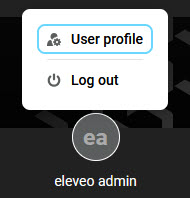
To manage the User Management user account, click on the username in the bottom left corner to display additional options:
-
User profile – redirects the user to Configuring User Profile and Password
-
Logout – logs the current user out of the application