
Using the Login Screen
To access the Eleveo WFM application, click Enter on the landing page:
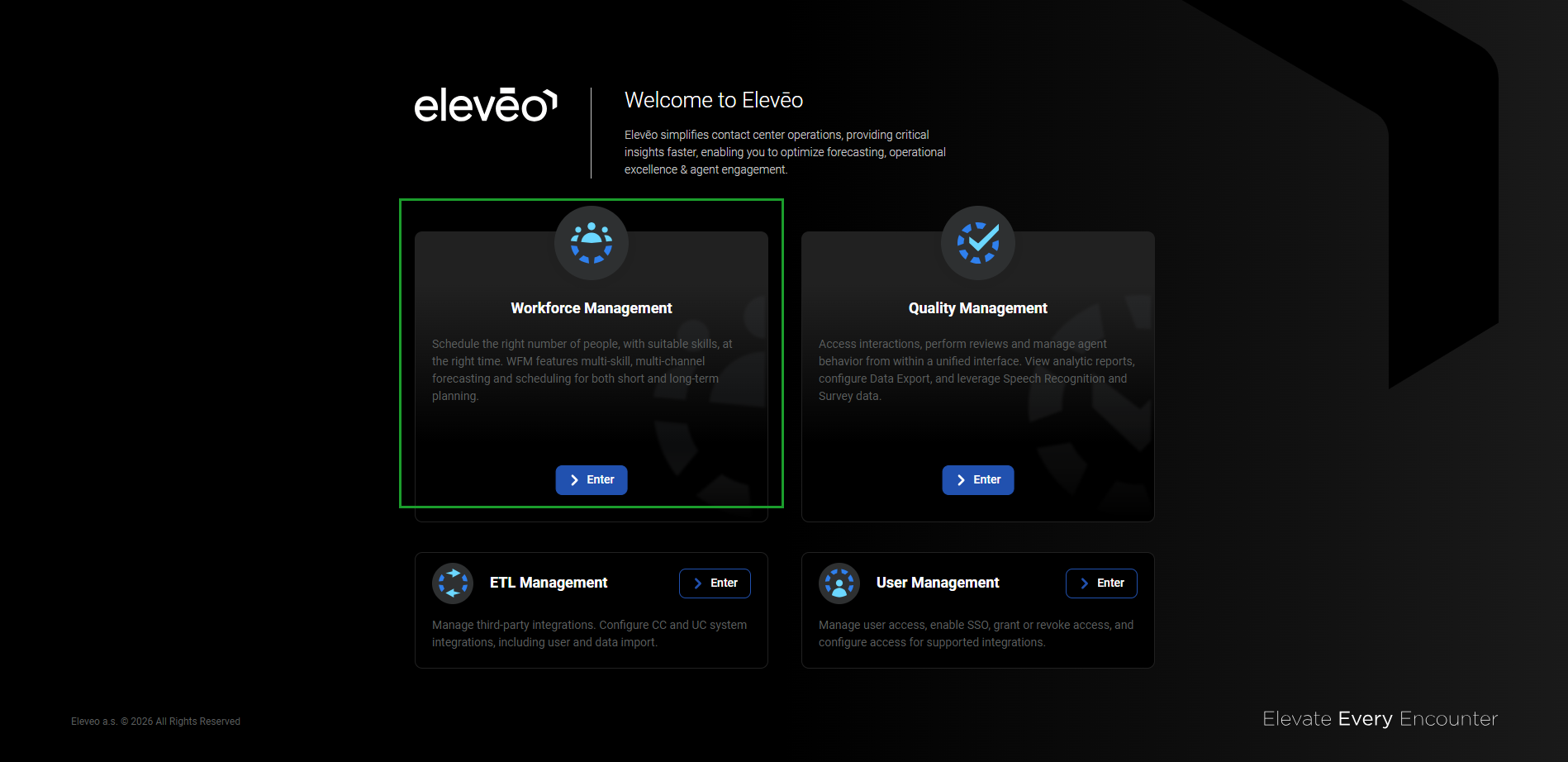
The application panes displayed on the landing page depend on your license and installation: the Workforce Management pane is only visible when a valid license for that application is active. If you do not see an expected pane, verify licensing.
Alternatively, use the URL: https://<FQDN>/app/wfm. The login screen will display.
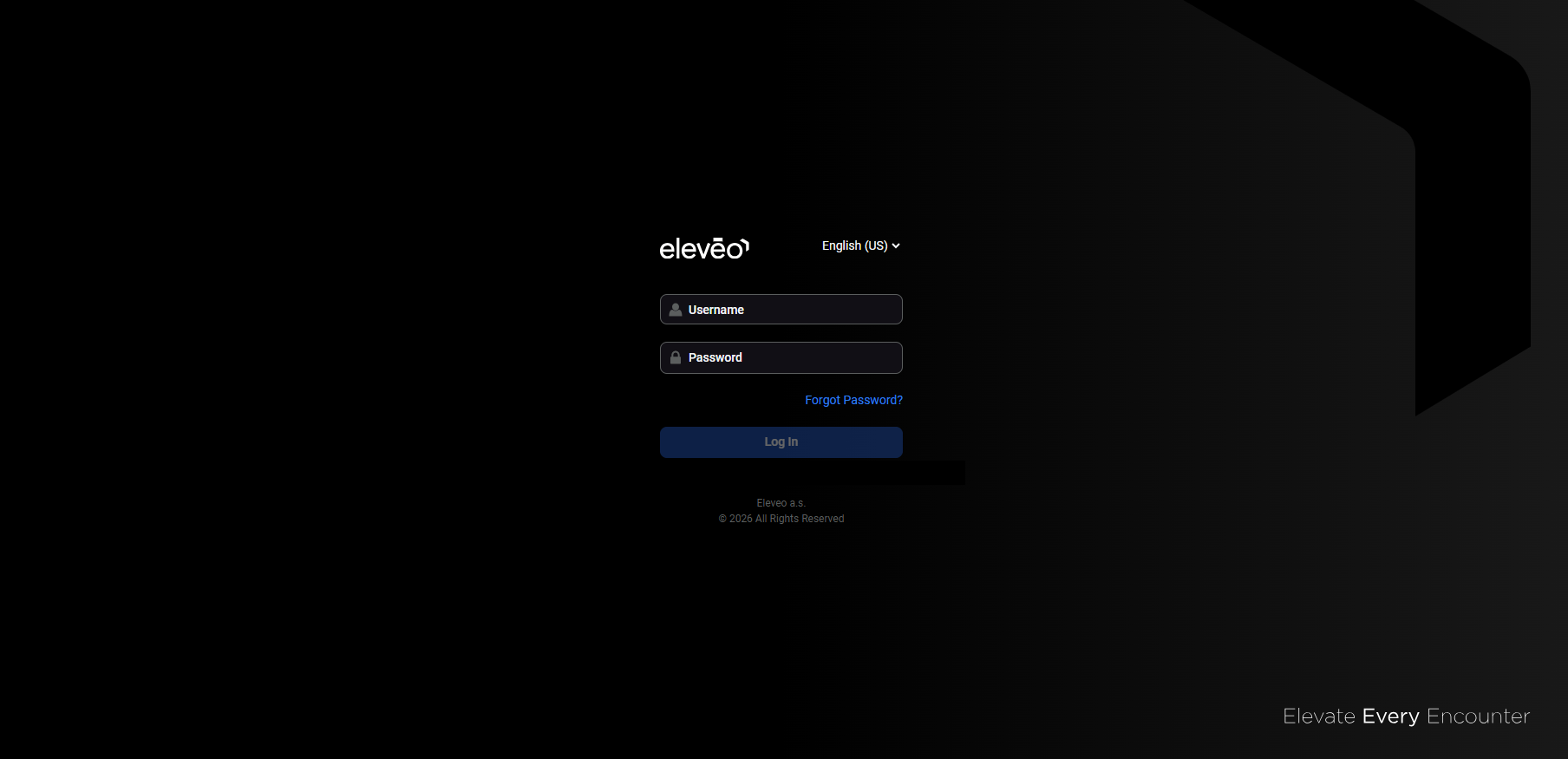
Follow the steps:
-
(optional) Change the application language. More details about the language selection can be found on the Switching the Language page.
-
Enter the username and password.
-
Click Log In to access the application.
Logging Out
To exit the Eleveo WFM application, click on the User Profile button in the bottom left corner of the screen, then click Log out.
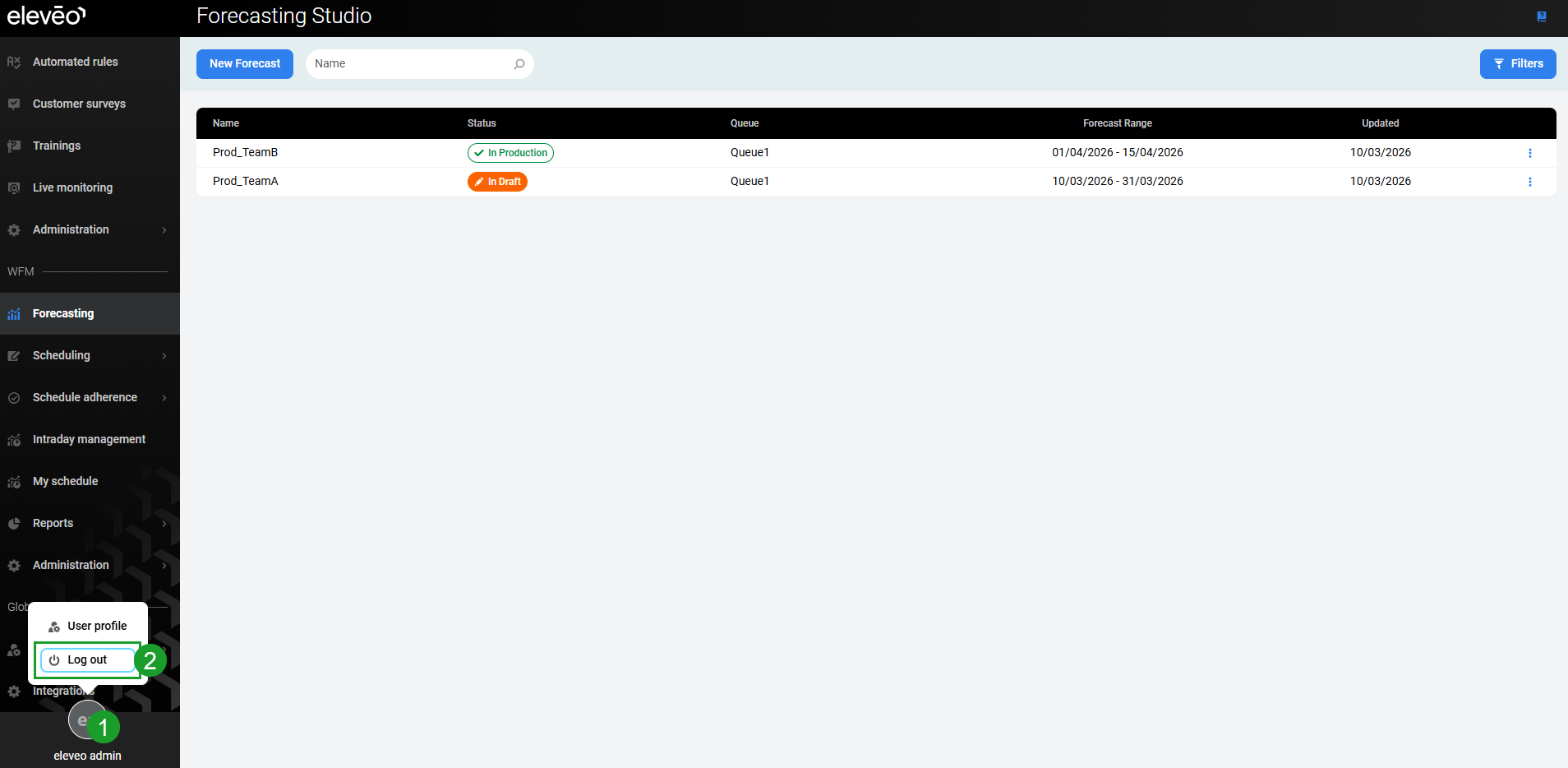
The application will close and the login screen will display again.