You may have noticed that things look a bit different. Indeed, we have made some major changes in the documentation.
WFM User Guides - Content Location
We will be making changes in an upcoming version. You will notice that the WFM documentation previously available here https://help.eleveo.com/wfm/cloud has been moved, as it is now part of the regular versioned documentation.
Search for Workforce Management (WFM) - User Guide to get started.
Spanish and Russian User Guides have been removed.
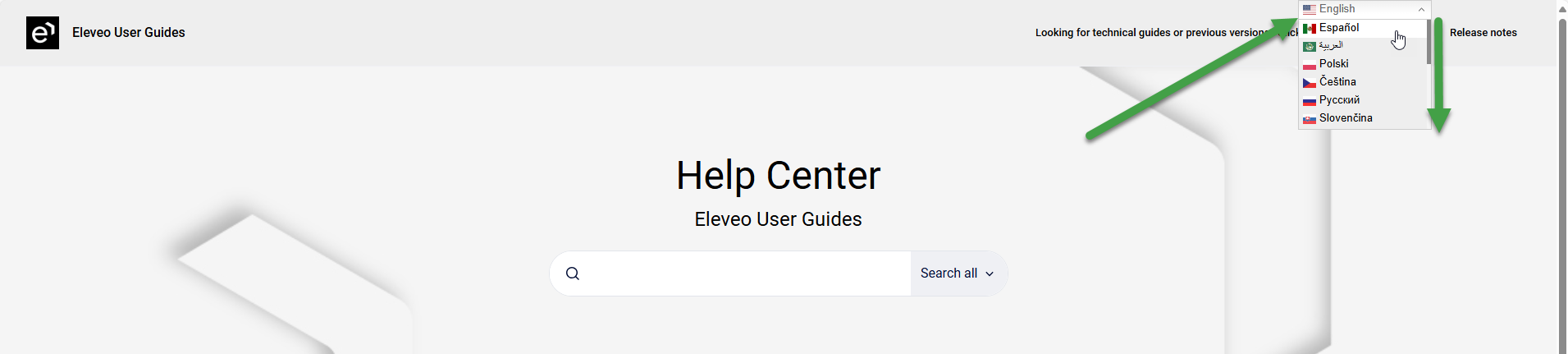
Please take advantage of the automated translations available on help.eleveo.com. Hint: Scroll down to view additional language options.
Admin guide remain English only.
What changed - versions and more
-
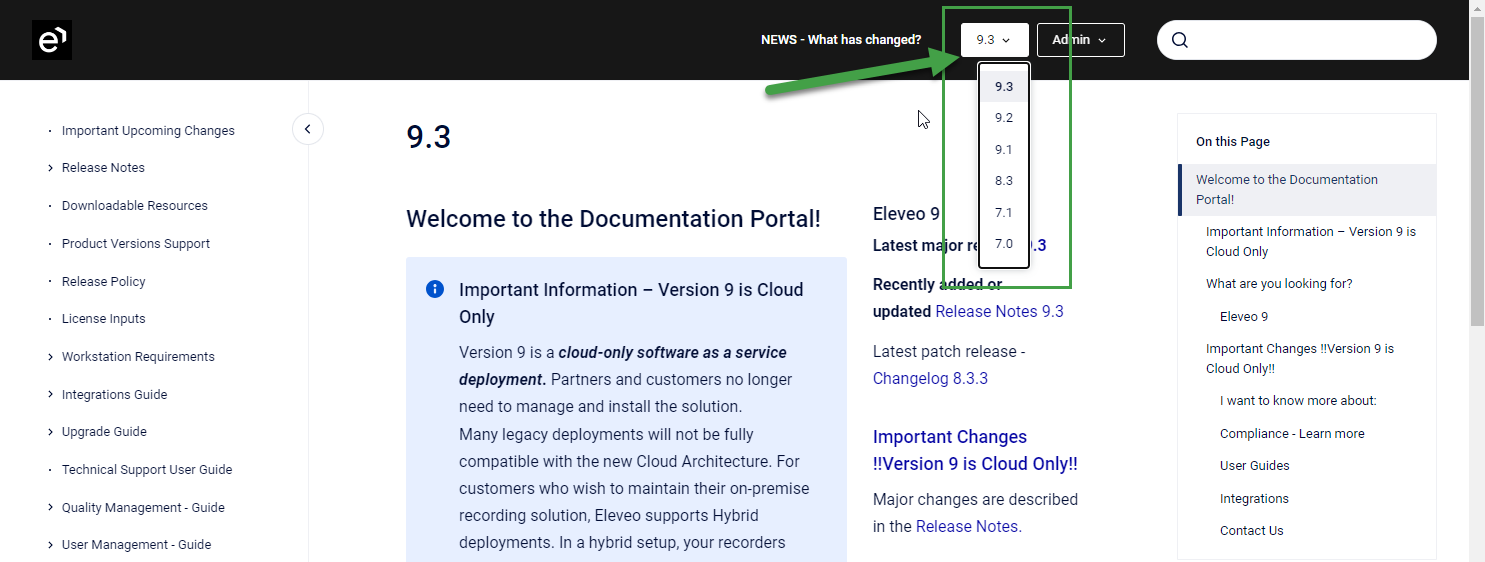
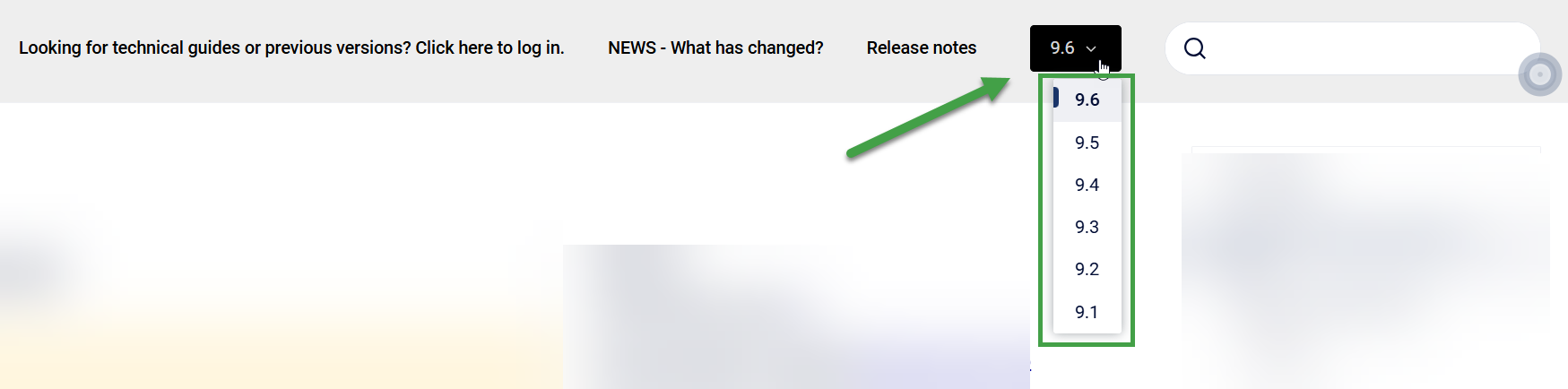
Versioning is now available, use the dropdown menus within each section to view more relevant content.
-
Admin Guides and User guides each have their own dedicated URL now.
-
User Guides – help.eleveo.com
-
Admin Guides – help-auth.eleveo.com
-
Old links / bookmarks may no longer work. Sorry, but the changes to the backend system are significant.
User Documentation
User Guides for cloud installations remain openly available for all users
→ Go to help.eleveo.com
Admin Documentation
Administrators can access a dedicated documentation site by logging into the Eleveo Portal or help-auth.eleveo.com
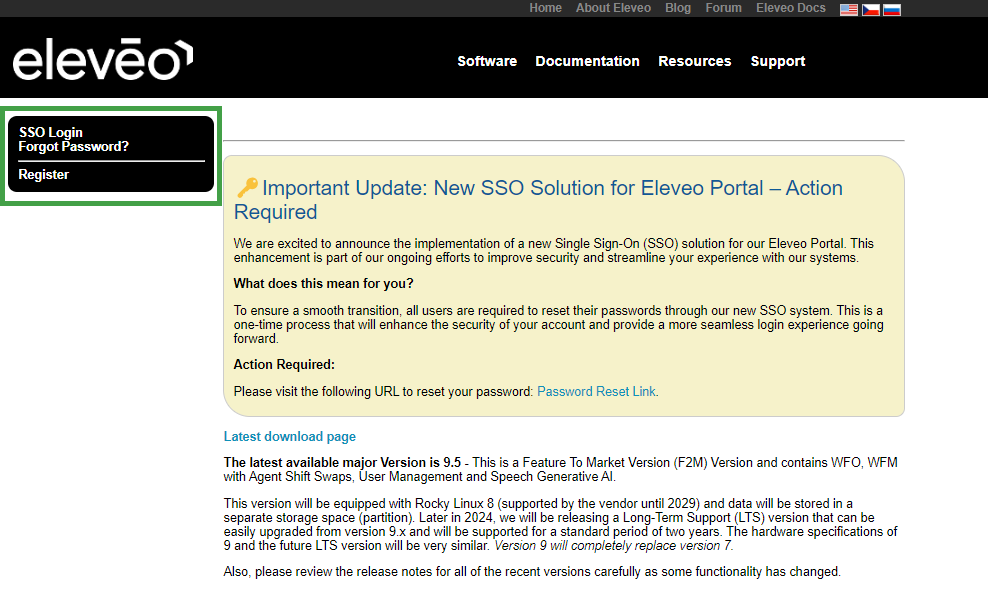
You will be redirected to the SSO Login page. Register if this is your first time accessing our site, or click on the forgot password link if you had an account in the past.
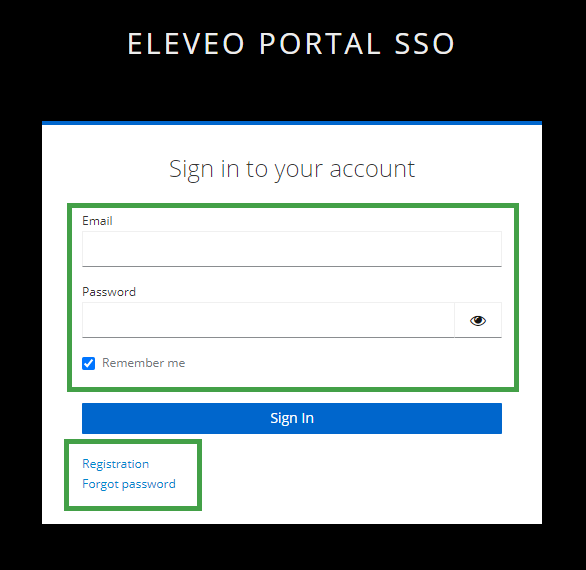
Go to help-auth.eleveo.com to access documentation or Go to → portal.eleveo.com and click on a link to the documentation.
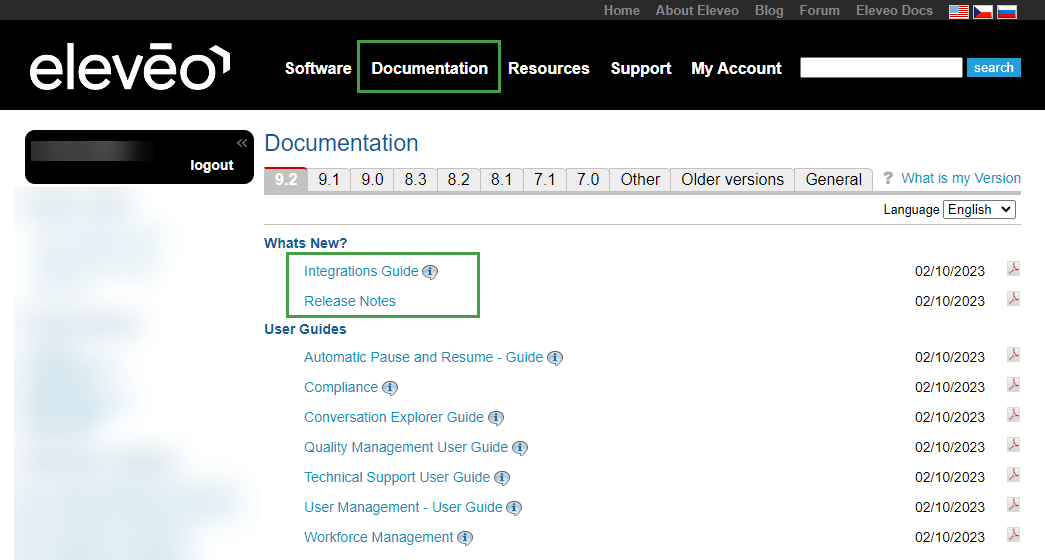
You will be redirected and will have access to our Admin Guides.
Troubleshooting access
A token is no longer required as we have implemented single sign on for the portal.eleveo.com and help-auth.eleveo.com
You will be forced to log in if you visit an Eleveo website. If you are not able to access the system via portal.eleveo.com, please register again to gain access.
Where do I find the Quality Management Guides?
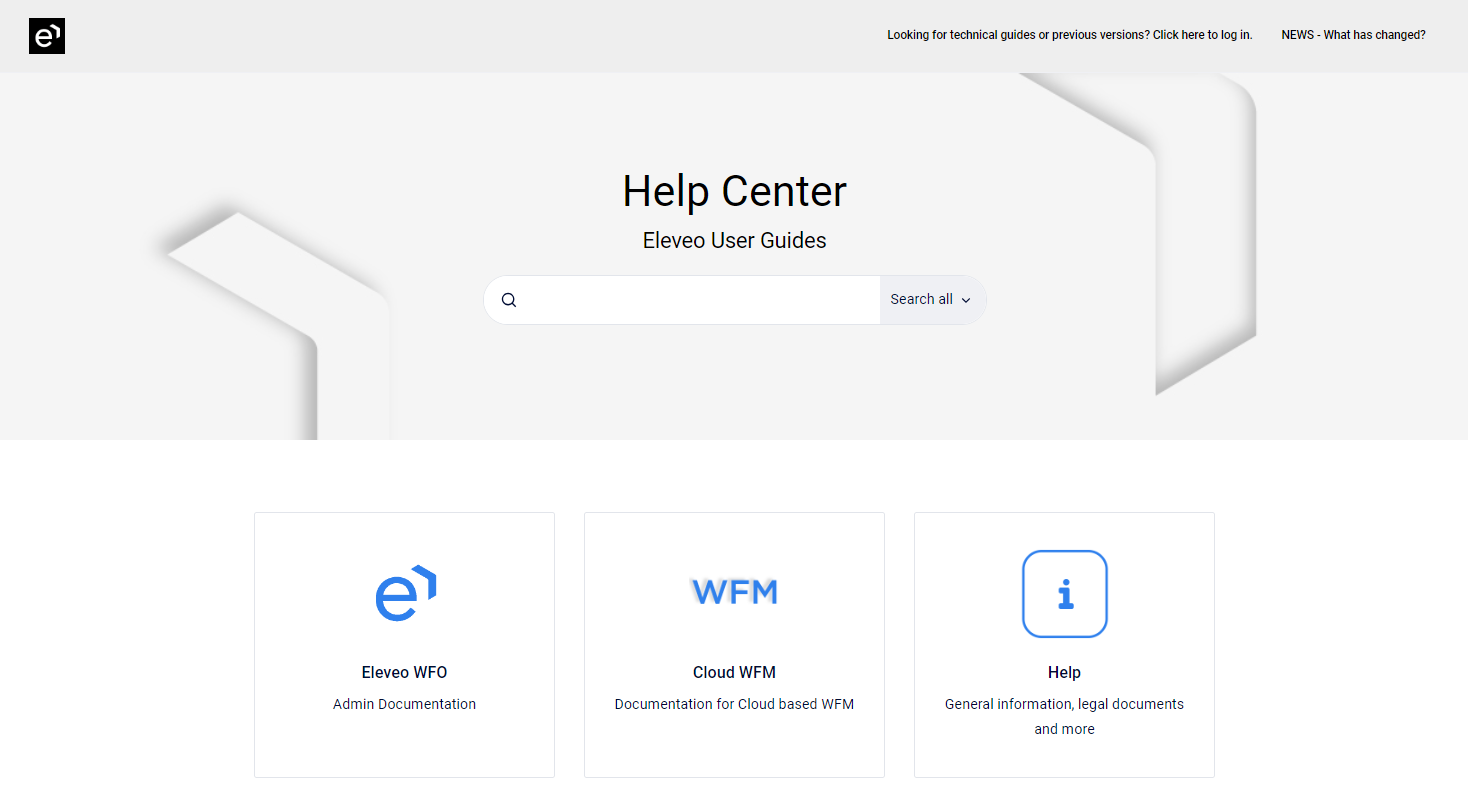
Administrators can access all documentation for currently supported versions under the Eleveo WFO tile on the documentation landing page.
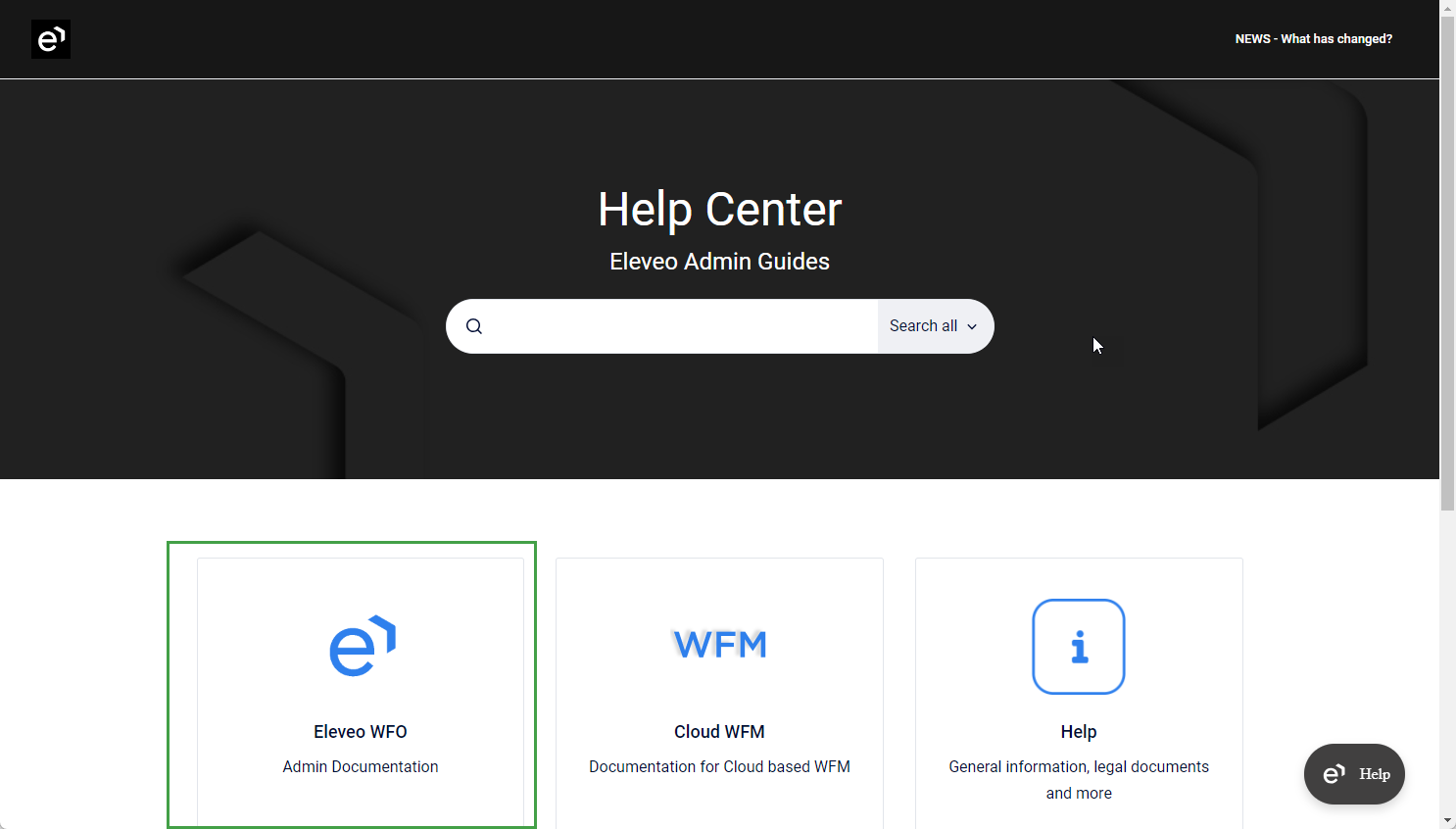
View versions
The admin documentation now supports the selection of versions. Select the version you wish to view from the dropdown menu.
To search within a version, first switch to that specific version before performing a search.