
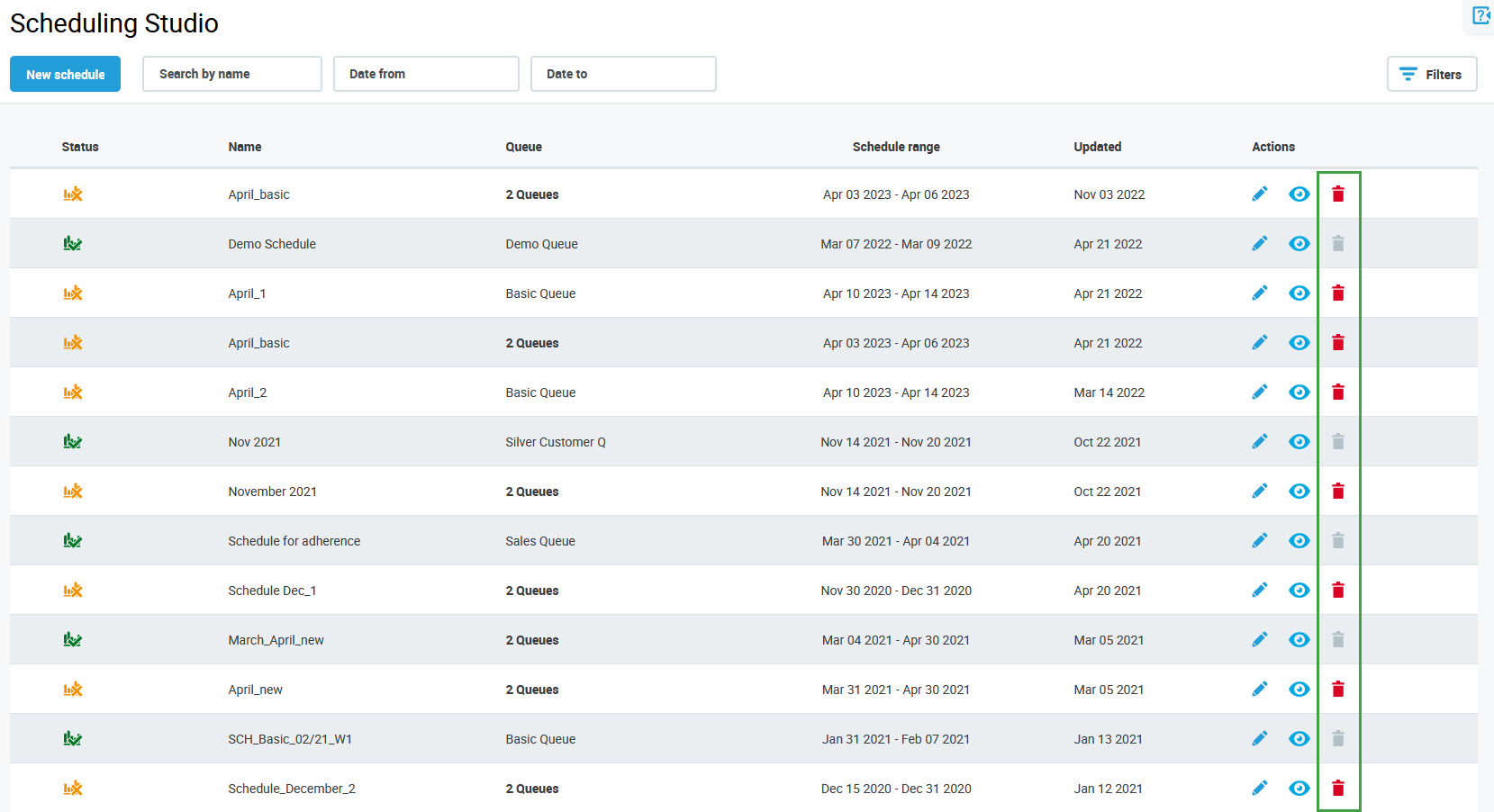
To delete a schedule, click the Delete button in the Actions column for the schedule.
Confirm that this schedule needs to be deleted.
Note that the production schedule cannot be deleted!
To delete a schedule, click the Delete button in the Actions column for the schedule.
Confirm that this schedule needs to be deleted.
Note that the production schedule cannot be deleted!