
It's possible to change a completed review (i.e. assigned Completed status) for example if an agent successfully appeals the results of a negative review, however, only if the custom Reopen reviews privilege has been assigned to the user’s role.
To reopen a review:
-
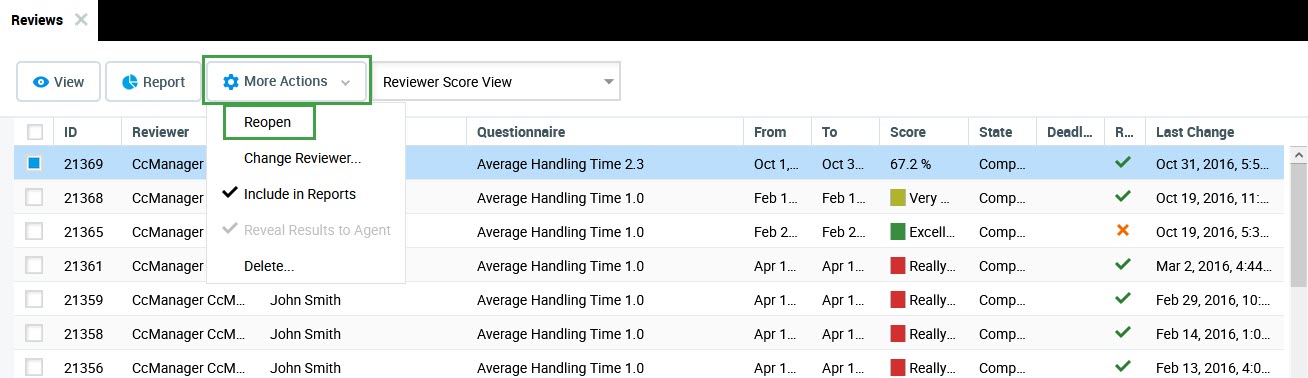
Select an review with Completed status.
-
Click More actions.
-
Click Reopen from the drop-down list. The status of the review becomes In Progress.
Important: After selecting a review for reopen only the assigned reviewer can view and modify the review scores.