
Using the Login Screen
To access the Eleveo WFM application, click Enter on the landing page:
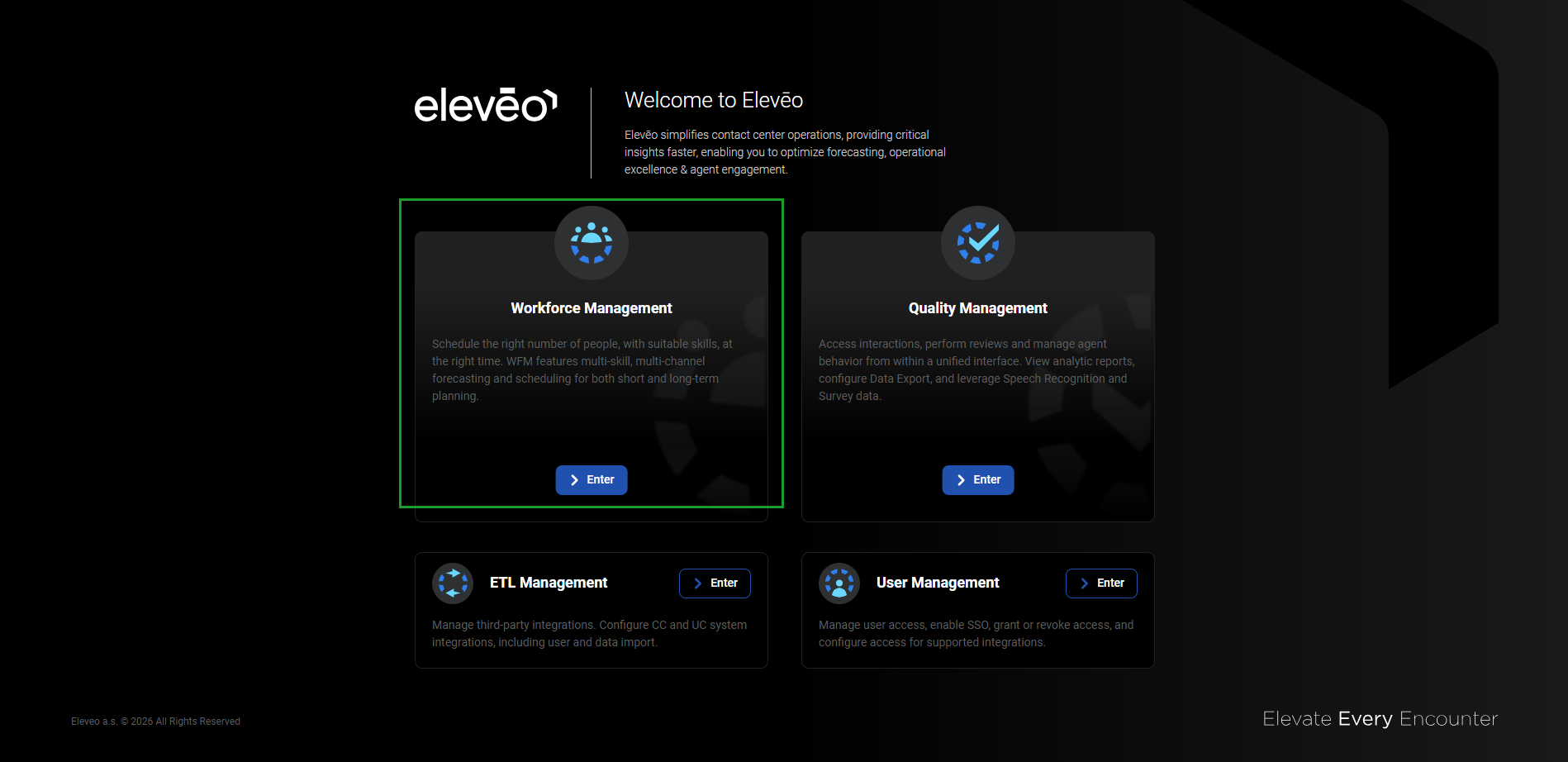
The application panes displayed on the landing page depend on the license and installation. The Workforce Management pane is only visible when a valid license for that application is active. If an expected pane is not visible, verify the licensing.
Alternatively, use the URL: https://<FQDN>/app/wfm. The login screen will display.
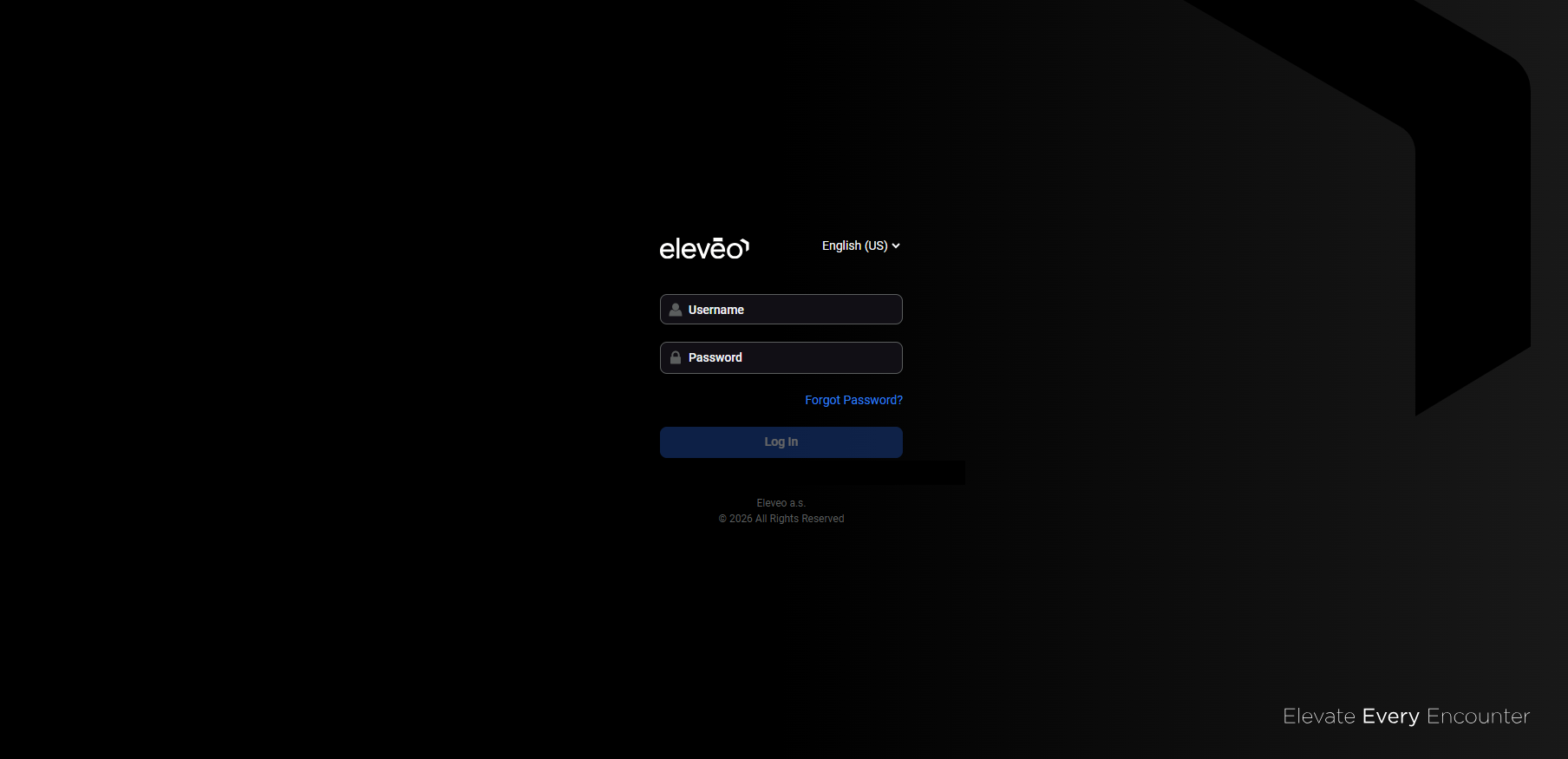
To log in, complete the following steps:
-
Optional: Change the application language. For more information, see the Switching the Language page.
-
Enter the username and password.
-
Click Log In to access the application.
Logging Out
To exit the Eleveo WFM application, click the User Profile button in the bottom left corner of the screen, then click Log out.
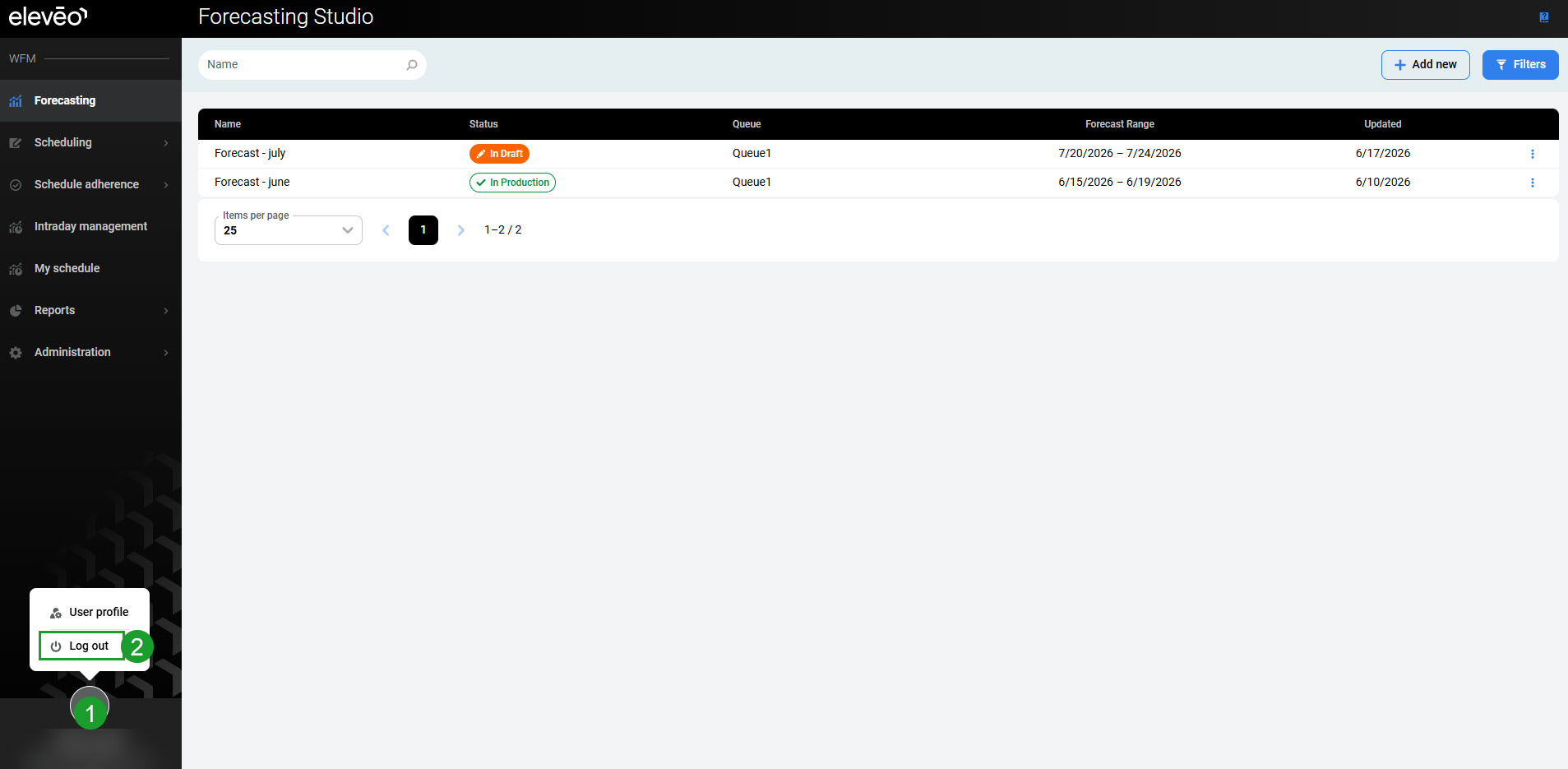
The application will close and the login screen will display again.